A fresh-context agent attacked your Day 2 regression. You took the critique seriously.
2
Superpowers installed
Brainstorming, writing-plans, and the rest of the canonical plugin loaded.
3
A paper-review skill
Crawfurd's paper-review skill ready to attack any draft.
4
A research spec
Brainstorming + writing-plans turned the CPD analysis into a structured plan you approved.
5
MCP servers
Playwright (a real browser) and Context7 (live package docs) wired into the agent.
6
Your own plugin
Generated via /plugin-dev:create-plugin from a spec you wrote.
Day 4 · Yesterday1
Today
Agenda
§ 1
Day 3 recap + Day 4 framing
Discussion
§ 2
Takeaways (what I hope you take away)
Discussion
§ 3
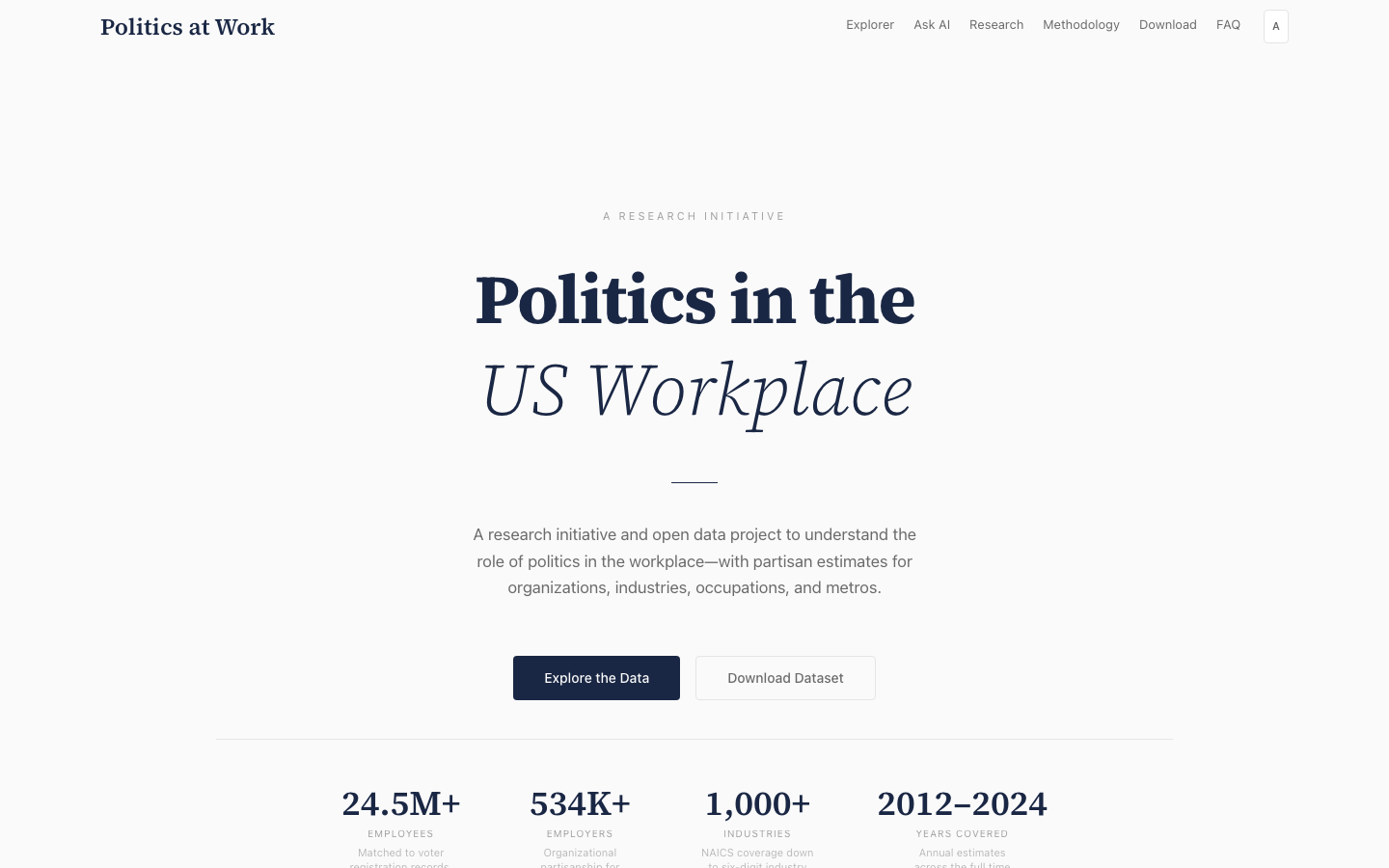
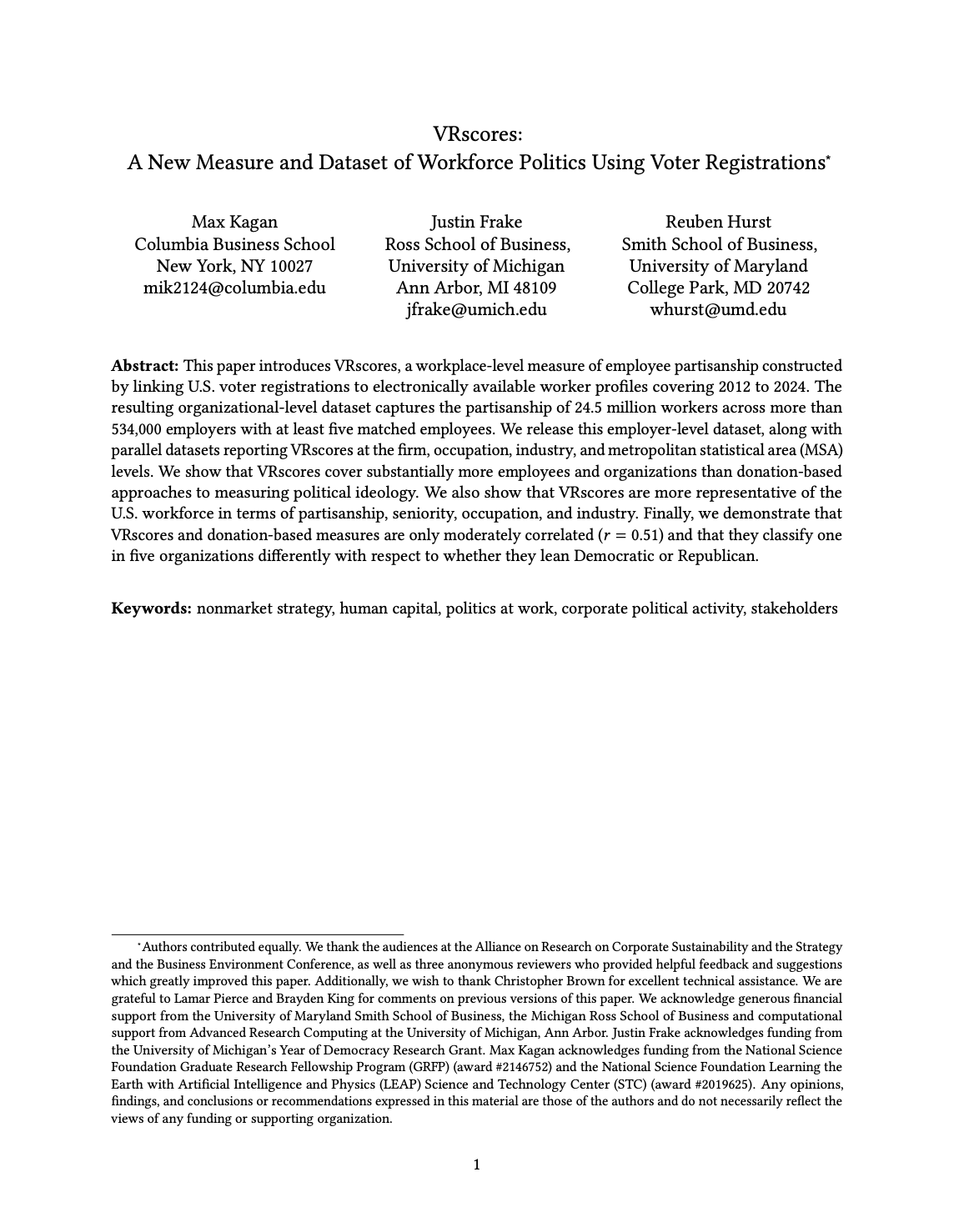
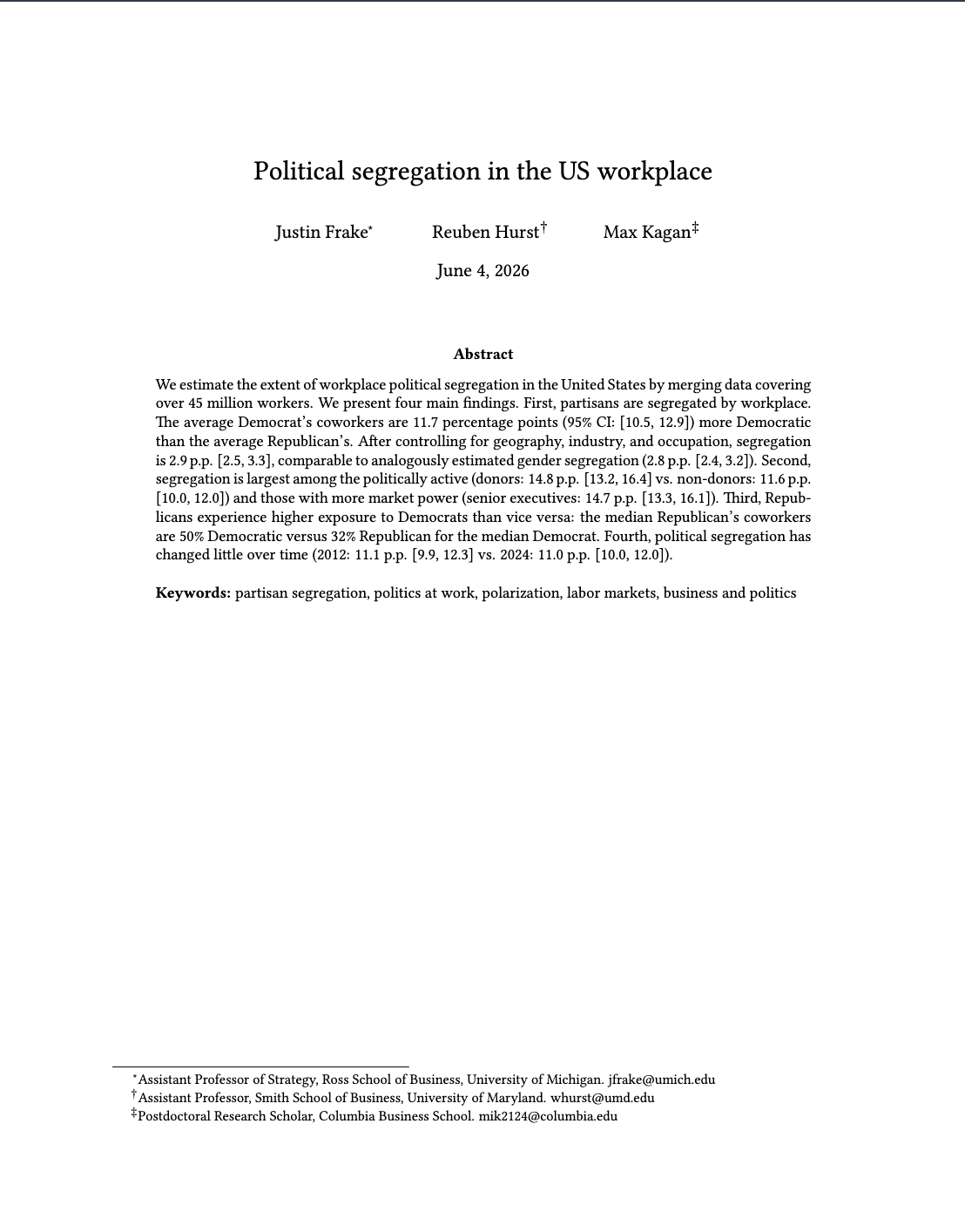
Some things I've built (politicsatwork.org)incl. AI record merging (fuzzylink)
Lecture
§ 4
OpenAI API demo
Demo
§ 5
Applied capstone (bring your own project)
Workshop
Day 4 · Agenda2
§ 2
Takeaways
Takeaways
What I hope you take away
Takeaway 1
When you repeat yourself, capture it
The moment you catch yourself doing the same task again, or giving Claude Code the same instruction over and over, stop and make it permanent:
Memory
A fact it remembers across sessions.
Skill
A reusable procedure for a recurring task.
Plugin
A packaged bundle you reuse and share.
Takeaway 2
Let your superpowers make a plan
Before you build anything non-trivial, run brainstorming and writing-plans. Turn a vague idea into a spec and a step-by-step plan you approve, then let the agent execute. Plan first; code second.
Day 4 · Takeaways3
Takeaways
The loop: your default for anything non-trivial
Optional · first
Research the area
Launch subagents to read up so the agent becomes an expert. Skip for routine work; big gains on specialized topics outside its training.
→
Plan · superpowers
Design + plan
brainstorming and writing-plans turn the idea into a design and an implementation plan you approve.
→
Optional · gate
Hostile review
A hostile-reviewer subagent attacks the plan. Use when you need to get it right the first time.
→
Execute · subagents
Build it
Subagents execute against the approved plan.
Loop: check the results, refine the plan, run it again
Start small. Get one table or figure right before you point this at a whole paper with a single specification.
Day 4 · Takeaways4
Takeaways
Two more things before you go
Takeaway 3
These tools cut both ways
The same agent that drafts your code is a phisher's dream. Pointed carelessly, it produces slop: fluent hallucinations and work that looks finished but is not. Pointed with structure and oversight, it lets us produce more, and produce it at higher quality. The structure is what separates the two outcomes.
Takeaway 4
Getting good takes more than four days
Four days gets you started. Fluency comes from using these tools on real work and learning to use them responsibly. Start small. Do not aim a single prompt at a whole paper. Get one regression right, then a table, then build from there.
Day 4 · Takeaways5
§ 3
Some things I've built
Where I use the agent
Some examples of how I use my agent
The same memory file, plan-then-execute discipline, and skills you have been writing also handle academic admin and most of life outside the office.
Research
Paper writing
Idea generation, literature reviews, drafting, editing, and LaTeX or Quarto compilation. See my paper-writing plugin.
Reviewing papers
Run a referee report with the peer-review skill.
Empirical analysis
Design the spec, write the model, produce tables and figures.
Data gathering and merging
Scrape, clean, link records (fuzzylink, Playwright, custom MCP).
Restructure project trees, rename by convention, archive drafts.
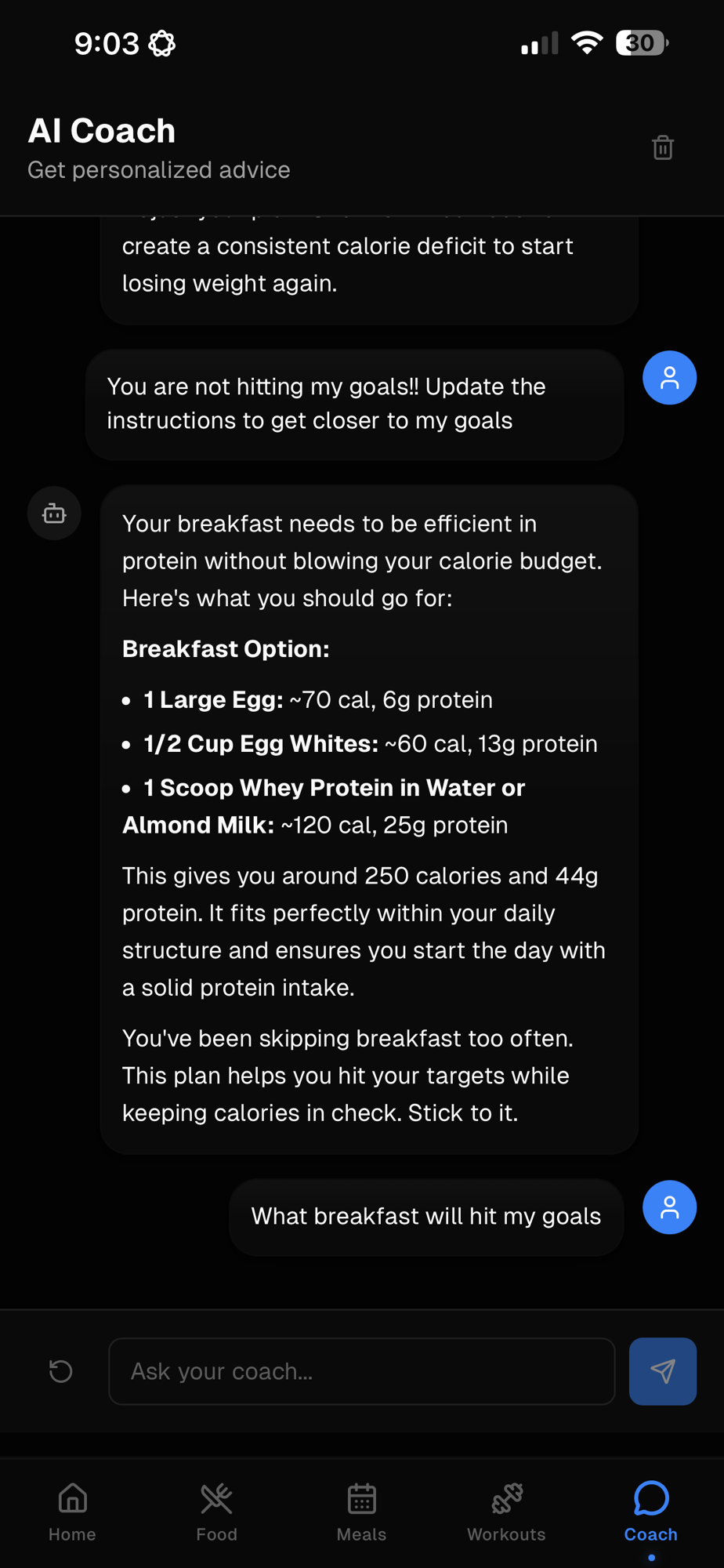
Fitness coach
Workout split from your goals, meals with macros, log lifts.
Meal planning
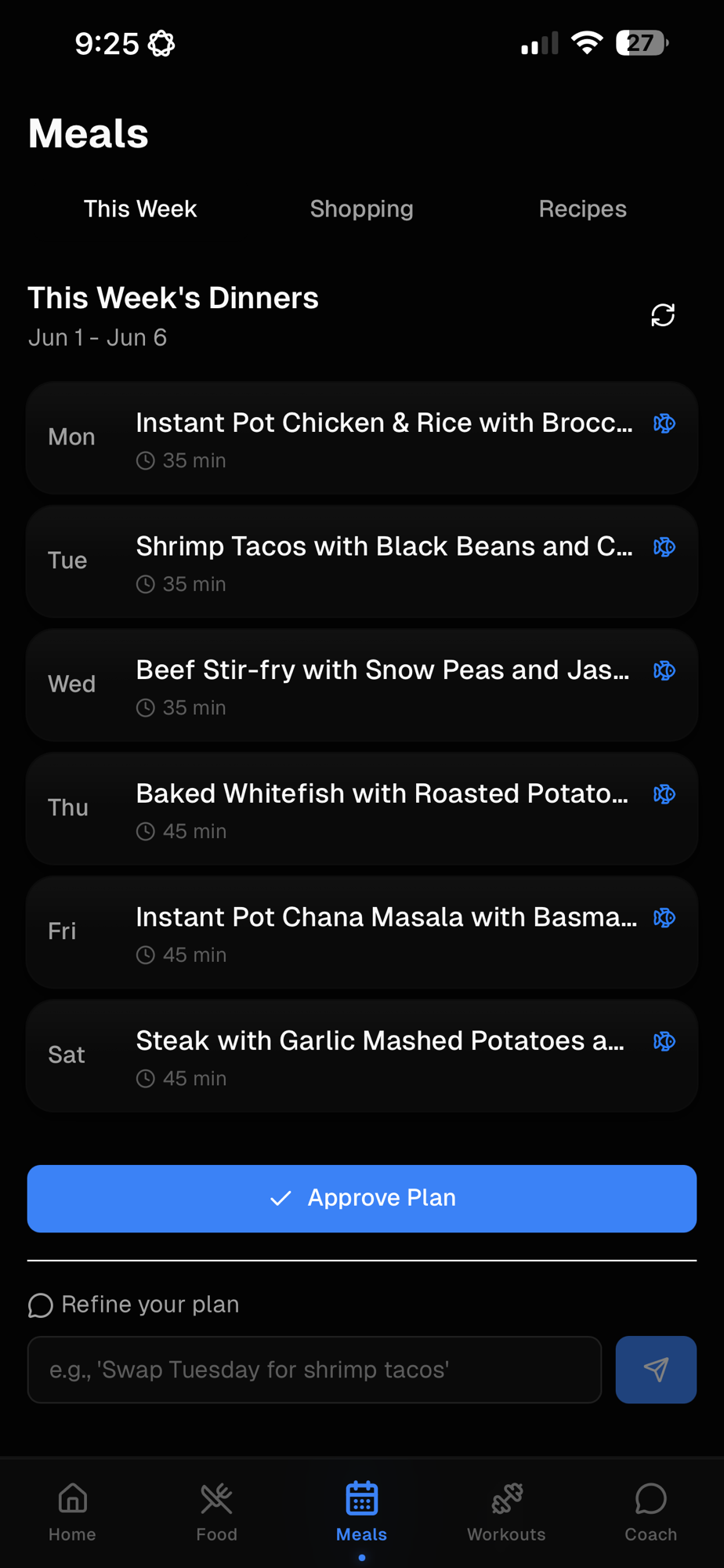
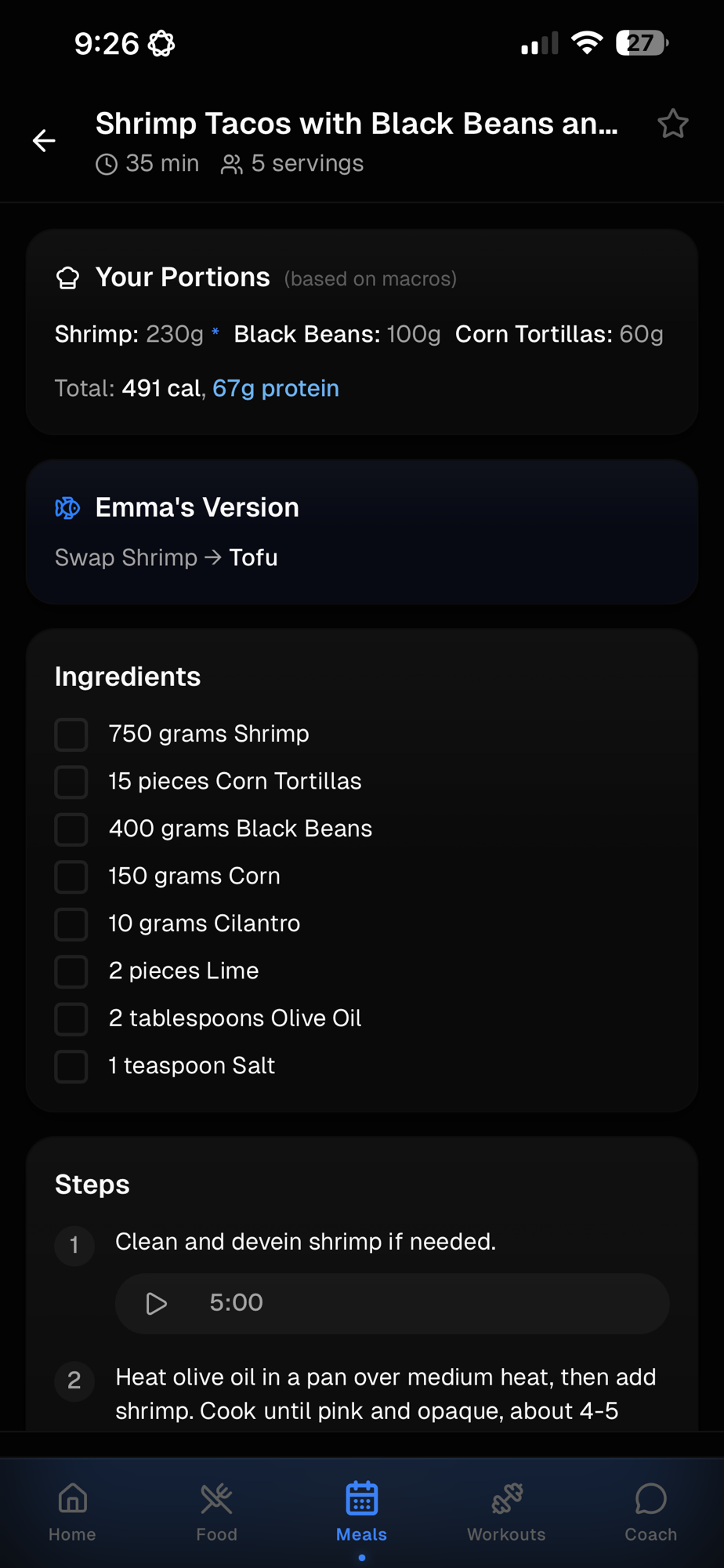
Plan the week's meals, build the grocery list, order through the store app.
Home automations
Routines on your hub: lighting, climate, presence triggers; agent writes the YAML.
Text-to-speech
A utility that turns Claude's responses into speech (inspired by this class!).
Day 4 · Assistant work6
Built with the agent
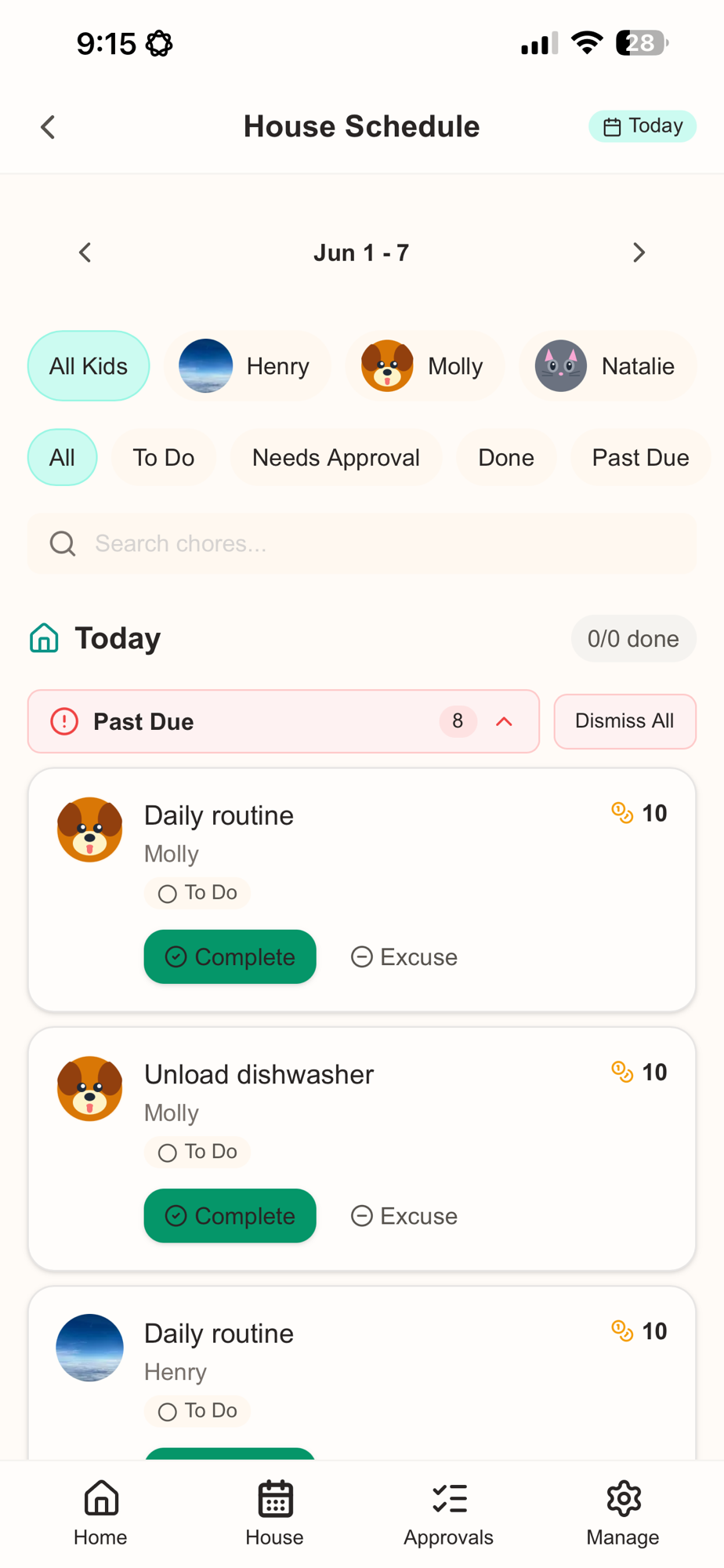
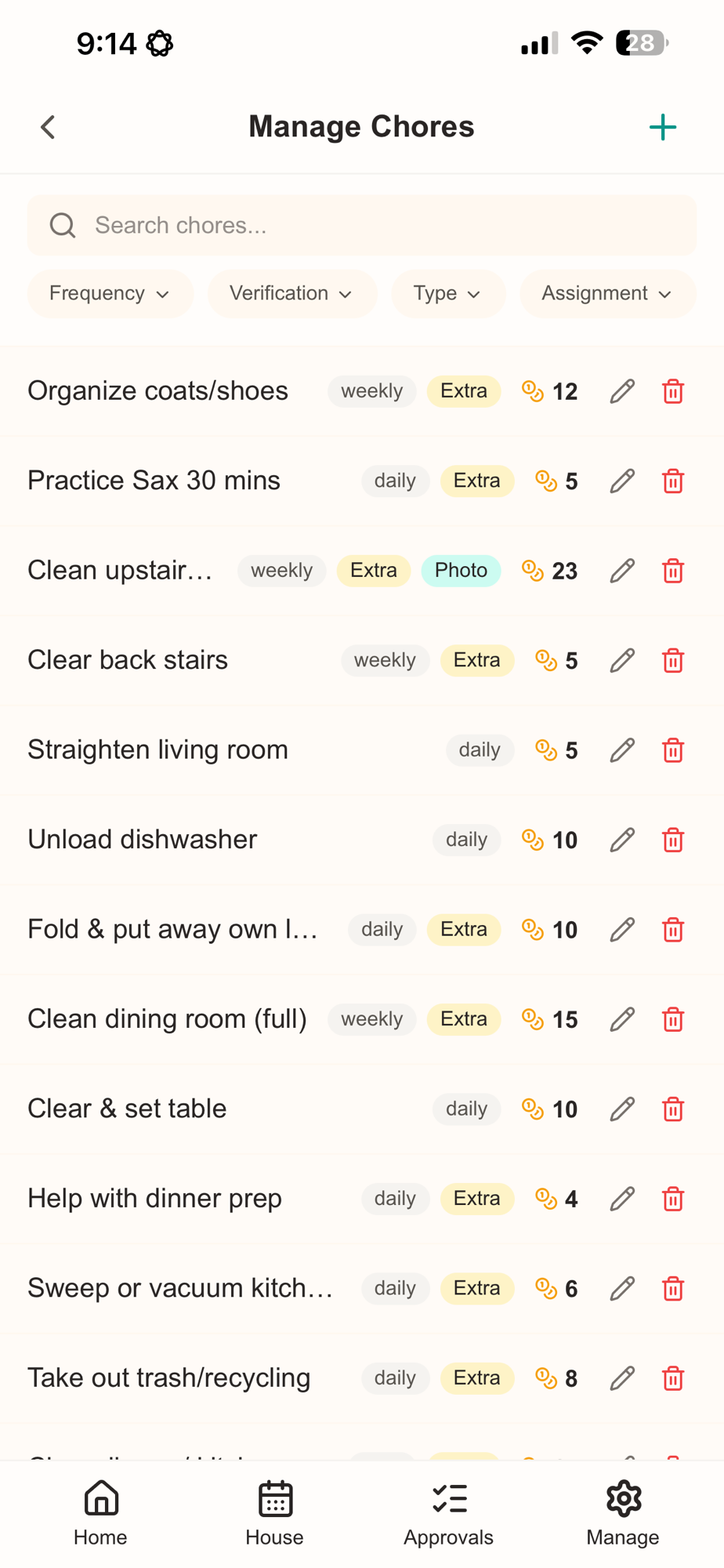
a chores app
Day 4 · Chores app7
Built with the agent
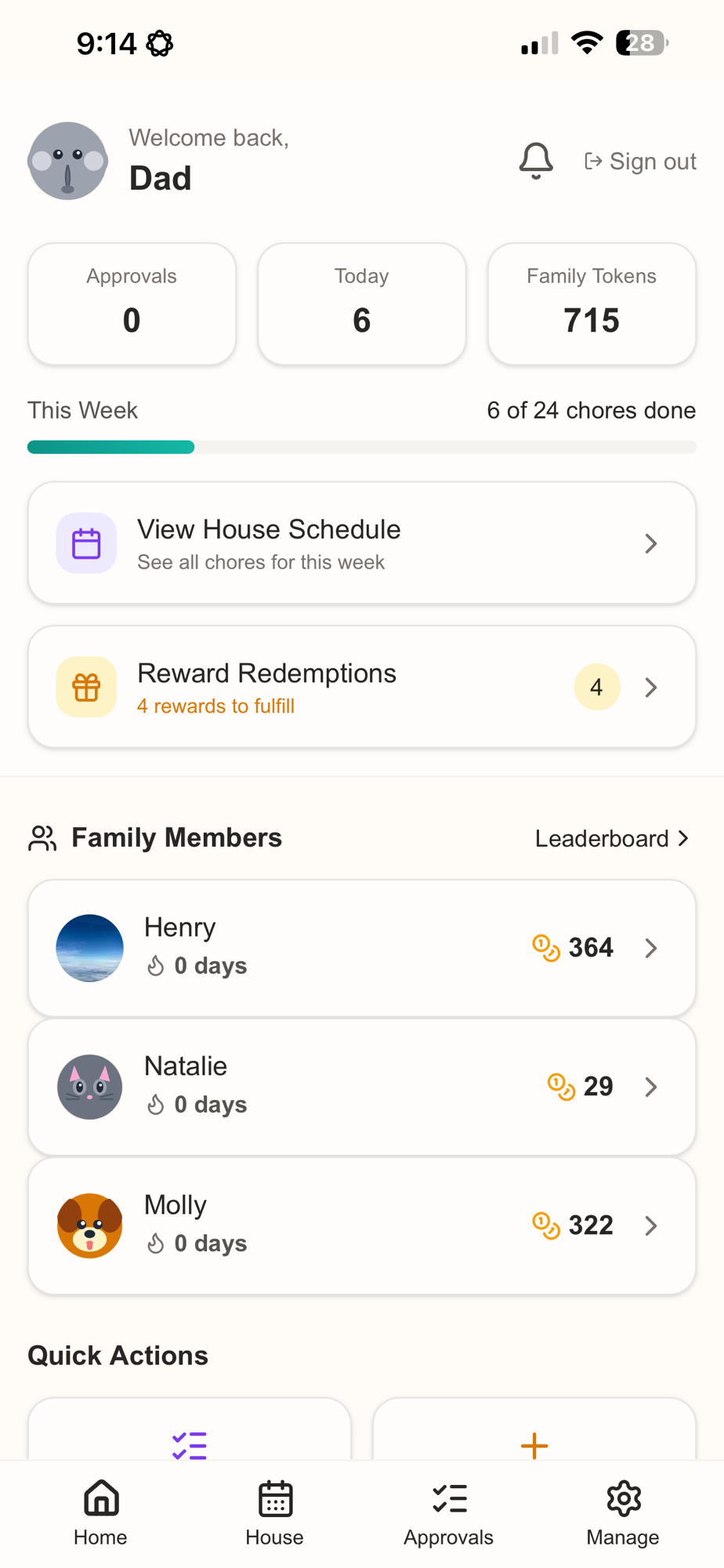
A token economy with competition
Token economy
Each chore is worth tokens. Per-kid balances roll up to a family pool (715 here). Kids spend tokens on rewards.
Weekly progress
A live progress bar tracks the whole family against the week: 6 of 24 done.
Approvals and rewards
Parents approve completed chores and fulfill reward redemptions from the home screen.
Leaderboard and streaks
Per-kid standings and day streaks add some friendly competition.
Day 4 · Chores app8
Built with the agent
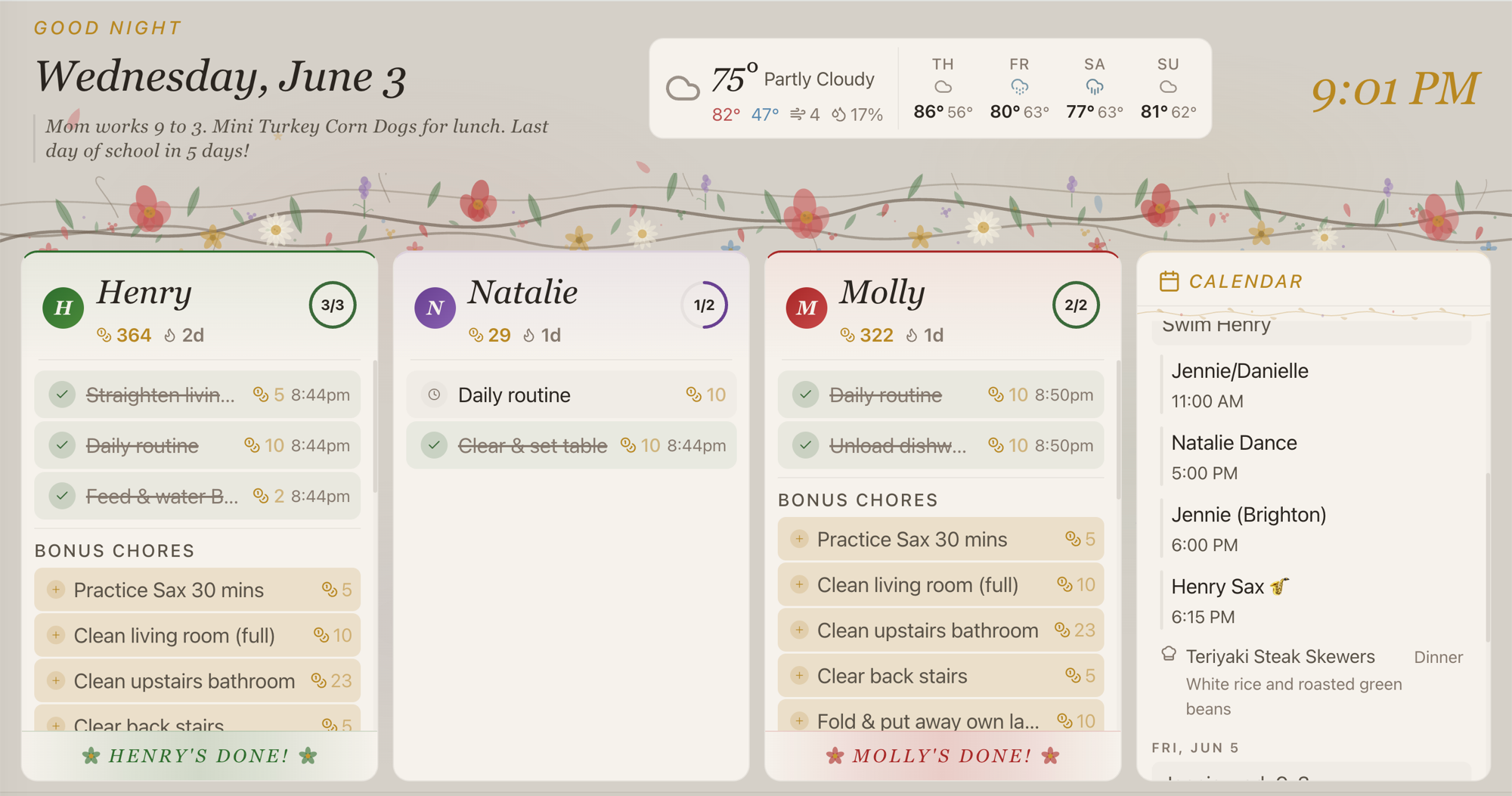
A Fire TV screensaver with calendar
Day 4 · Chores TV dashboard9
Built with the agent
Life management app: recipes, groceries, workout tracker, and coach
Day 4 · Life app10
Built with the agent
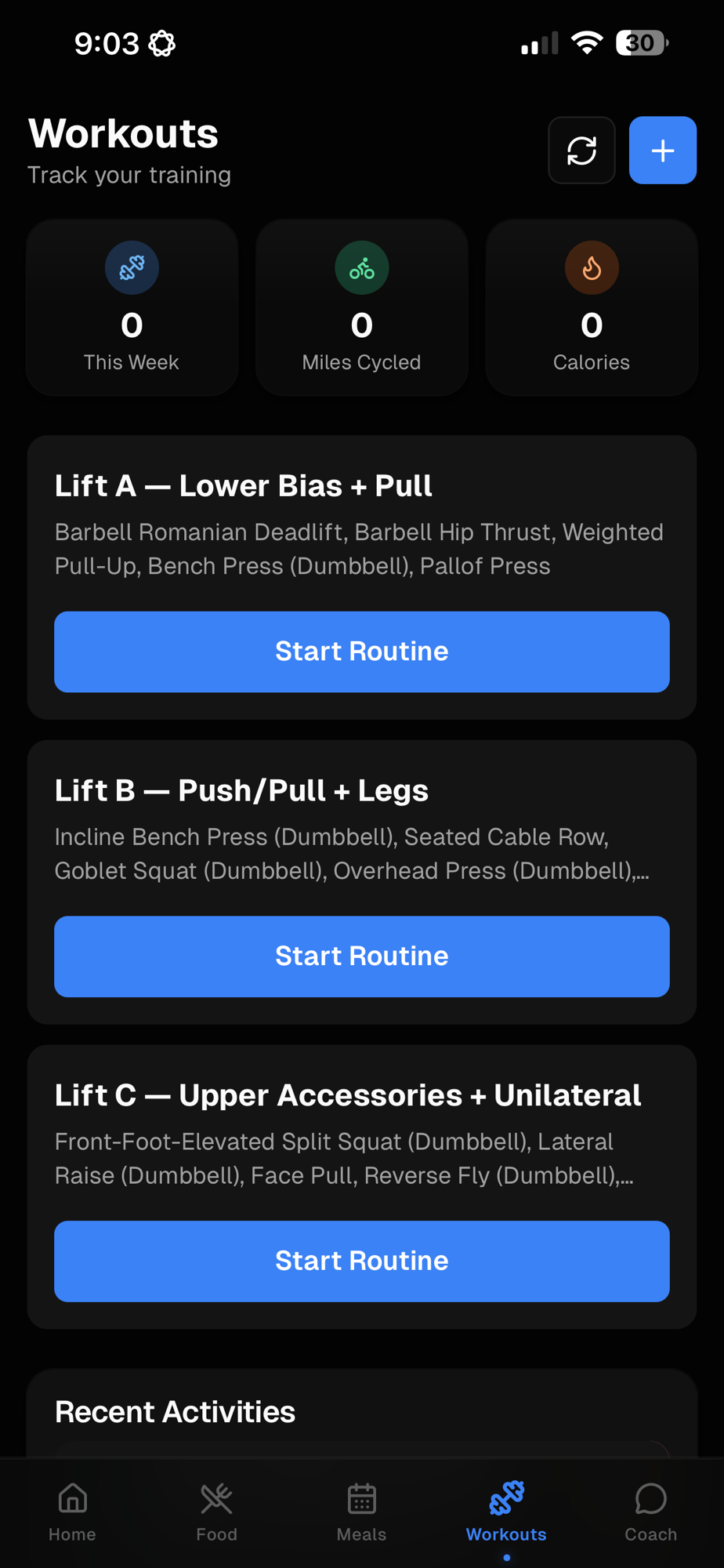
Lift routines and weekly stats
Three named lift routines
A: Lower bias and pull. B: Push, pull, and legs. C: Upper accessories and unilateral. Each routine carries its own exercise list.
Weekly snapshot
Three tiles at the top track sessions this week, miles cycled, and calories burned.
Start a routine, log a session
Tap into any lift to run a guided session; finished work flows into recent activities and the weekly stats above.
Day 4 · Life app11
Case study
politicsatwork.org: an agentic-research case study
Day 4 · politicsatwork.org12
Merging records
Using LLMs to fuzzy merge data sets
Where keys break
People: "Joe Biden" vs. "Joseph Robinette Biden"
Firms: "Apple Inc." vs. "Apple Computer, Inc."
Universities: "U-M" vs. "University of Michigan, Ann Arbor"
Addresses with abbreviations, typos, suite numbers
Old fixes
String distance: Jaro-Winkler, Levenshtein
Phonetic codes: Soundex, Metaphone
Hand-built rules, manual review
All blind to meaning. "U-M" and "Michigan" stay strangers.
AI-based merging adds a step: pretrained text embeddings score semantic similarity, then a language model decides whether two candidates refer to the same entity.
Day 4 · Merging records13
Merging records
How fuzzylink works, step by step
It links two messy lists with one function call. Here is what it does under the hood, in plain language:
1Start with two messy lists. Two tables of names that don't line up: "Joe Biden" in one, "Joseph Robinette Biden" in the other.
2Get an embedding for each name. An embedding is a vector of numbers; names that mean the same thing land near each other in vector space. Default: OpenAI; Mistral and Anthropic also supported.
3Score every pair with cosine similarity between embeddings. Catches matches that letter-by-letter methods miss: Richard ↔ Dick, Joe Biden ↔ Joseph Robinette Biden, AARP ↔ American Association of Retired Persons.
4Have GPT-4o label the 500 highest-similarity pairs as match or not, then fit a logistic regression. Predictors are the embedding score and Jaro-Winkler string distance. Refit after labeling the 100 most uncertain pairs (active learning).
5The fitted model returns a match probability for every pair. Keep pairs above your threshold π, or use the cutoff that maximizes F1.
Embedding similarity catches synonyms that letter-by-letter methods miss; fuzzylink combines both signals in the final probability.
Set it once as an environment variable so every session can read it. macOS loads a shell file on each terminal; Windows saves the variable in the registry, set through a dialog or a command. Never paste the key into a script or commit it to git.
macOS · shell file
zsh (default): add to ~/.zshrc
bash: add to ~/.bash_profile
export OPENAI_API_KEY="sk-..."
Then source ~/.zshrc or open a new terminal.
More secure: store it in the macOS Keychain.
Windows · user variable
Dialog: System Properties → Environment Variables → User variables → New.
Or a command:
setx OPENAI_API_KEY "sk-..."
Applies to new terminals, not the current one. The PowerShell profile ($PROFILE) is the closest file analog, but only PowerShell reads it.
More secure: Windows Credential Manager.
Per project instead: a .env file in the project root (works on both, read by python-dotenv or direnv). Add .env to .gitignore.
Day 4 · API setup15
§ 5
Capstone
Stay in touch
One way to keep this going: join the mailing list
I will not spam you. The list is how I will announce future workshops. Beyond that, I will write only when it matters: when Claude or Codex ship a feature worth your attention, or when something dramatic shifts the landscape we covered this week.